From time to time, administrators may choose to deactivate their account due to different circumstances, such as addressing pending billing, technical, or human resource matters. When your account is deactivated, certain restrictions apply. As an example, you won't be able to make or receive calls, and agent login is not possible. However, as an administrator, you can reactivate the account by following the outlined procedure:
Step 1: Visit the login page and provide your credentials then click on the Sign In button.
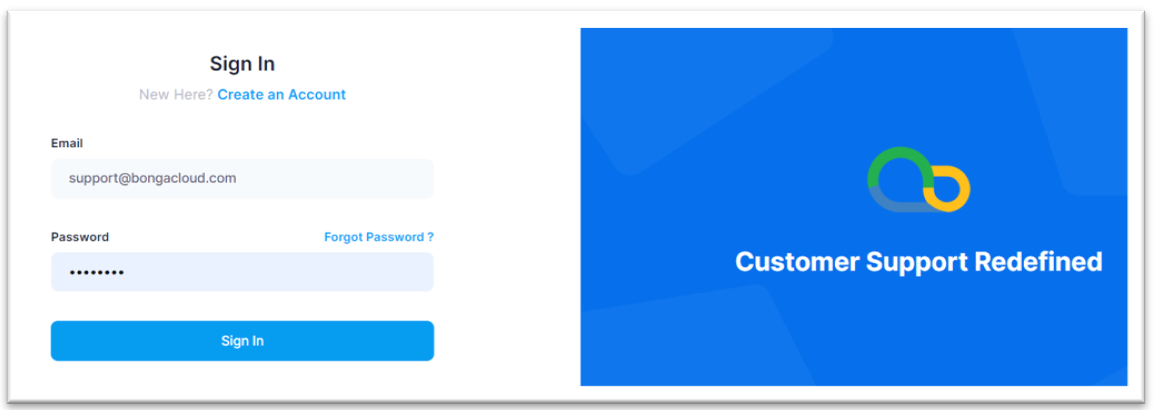
Step 2: Upon provision of your admin credentials, you will see the pop-up banner informing you that your account is currently deactivated.
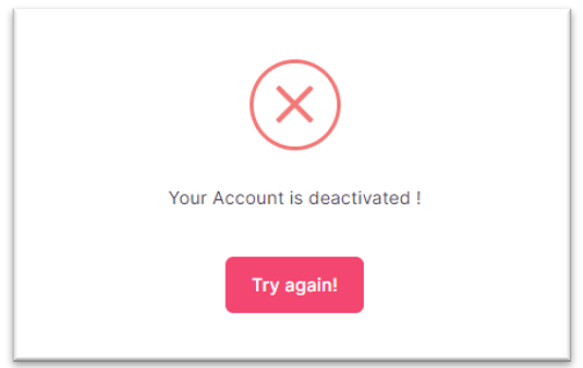
Step 3: Click on the Try Again! button, you will be redirected to the login page whose view is updated to allow you to activate your account.
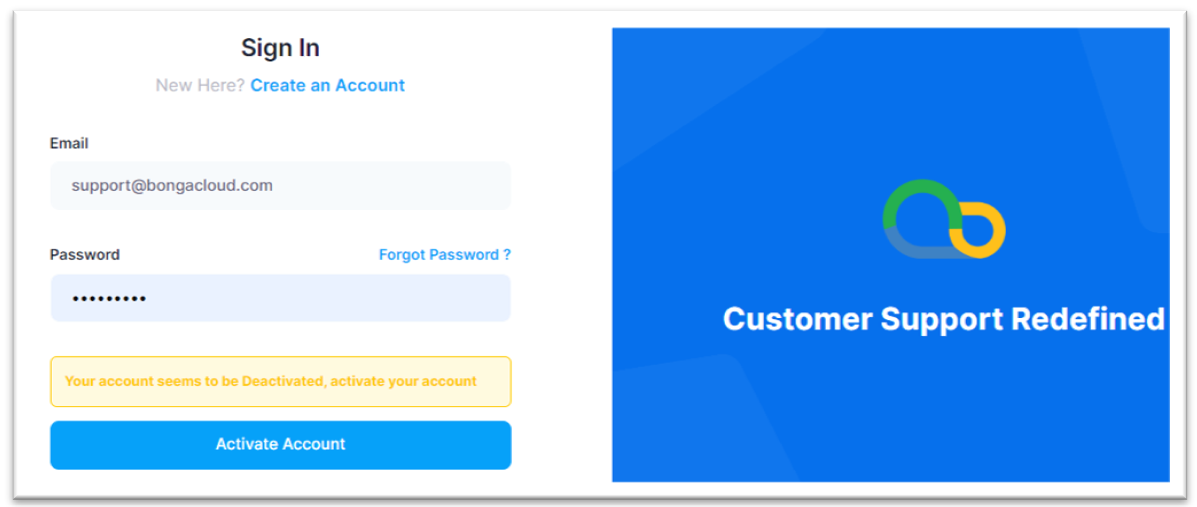
Step 4: Provide your admin credentials again and click on the Activate Account button, on success you will be redirected to the dashboard and your account will now be activated.