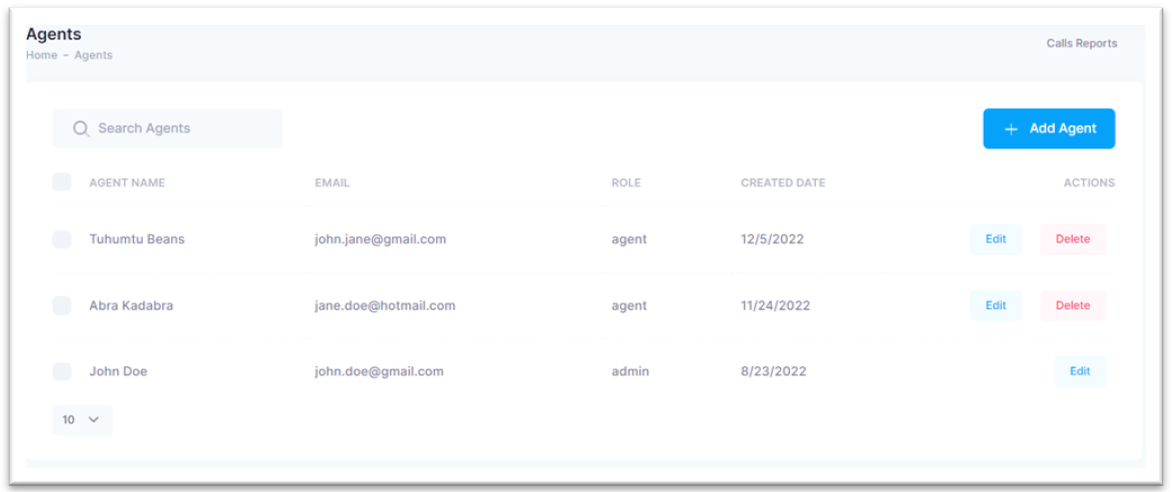
In this view, you can access a comprehensive list of agents available in Bonga Cloud. The list includes their names, email addresses, creation dates, and options to modify their profile information or remove them from Bonga Cloud. Please note that the Administrator account cannot be deleted. Additionally, each email in the system must be unique, preventing the addition of multiple agents with the same email address, even if they have been deleted previously.
¶ Adding a new agent
To add a new agent, follow the procedure below:
Step 1: Click on the + Add Agent button at the top right of your view.

Step 2: This will display a pop up that allows you to provide the agent’s First Name, Last Name and Email.
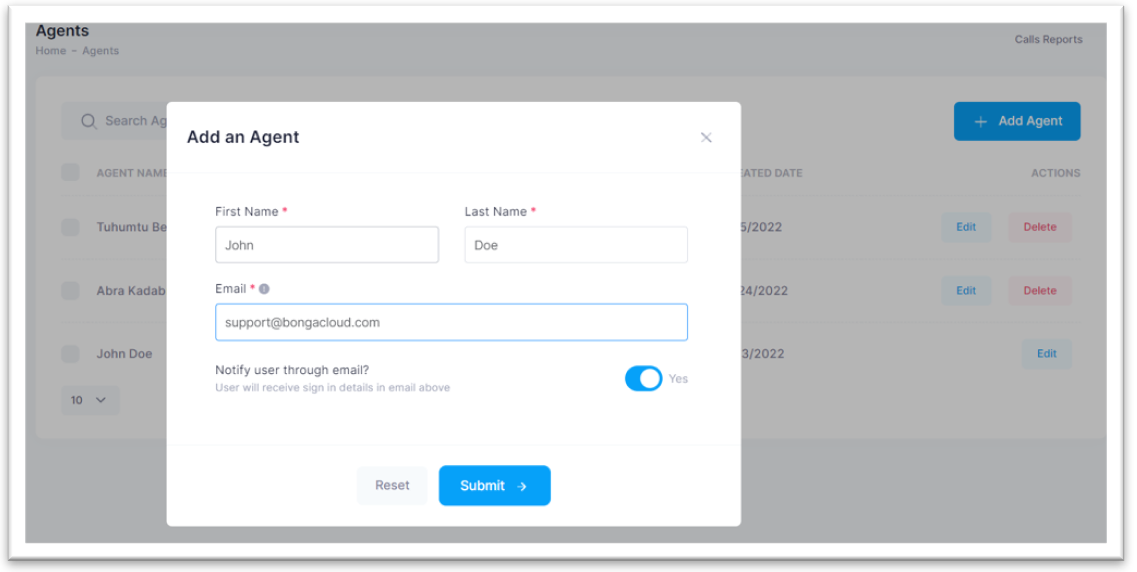
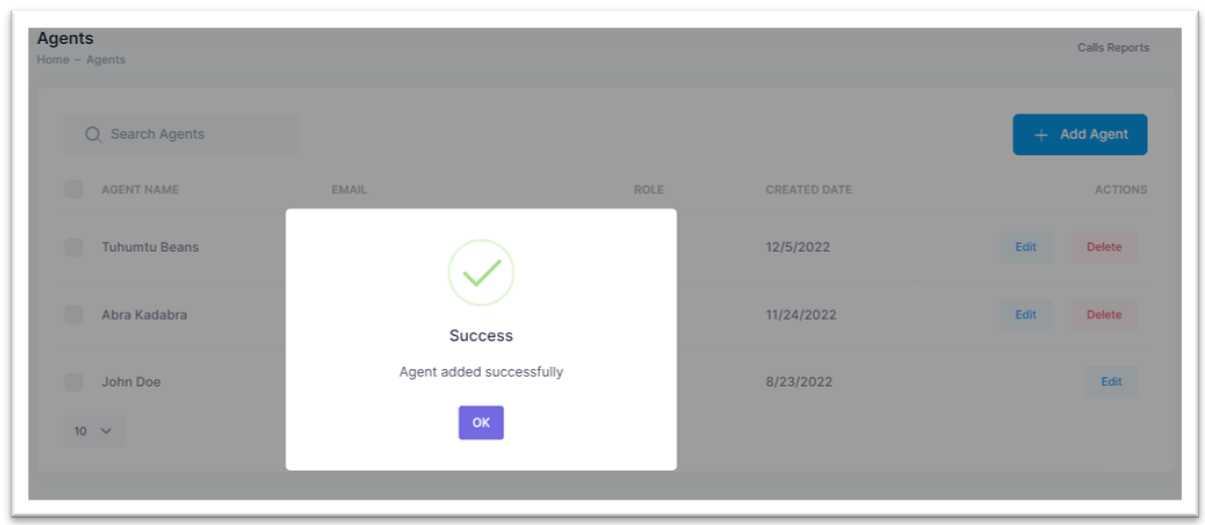
Step 3: Click on the Submit button to create your new agent role, or you can click on the Reset button to clear the form details. On success, you will see the notification below.
¶ Editing an existing agent
To make changes to an existing agent:
Step 1: Click on the associated Edit button.
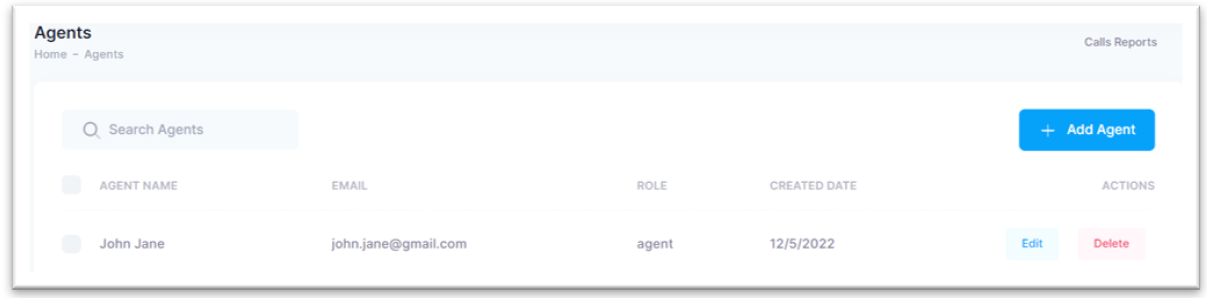
This will display a pop up that allows you to edit the agent’s:
- First Name and Last Name only. As mentioned, the email is unique within Bonga Cloud thus you cannot update this after signing up.
- Blocking ability to Making outbound calls or Login.
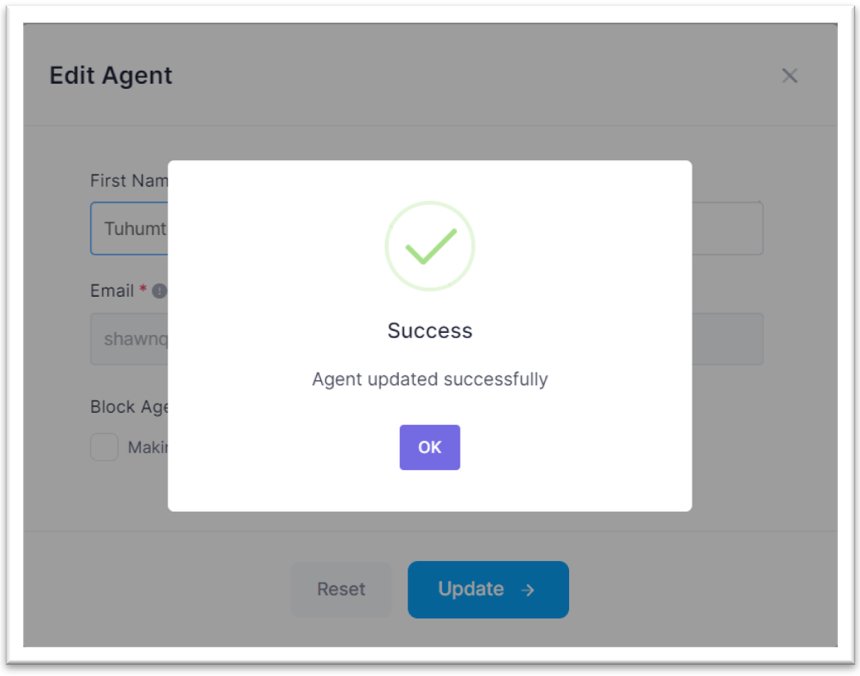
Step 2: Click on the Update button to save changes or on the Reset button to clear all form changes. You will be greeted with a success pop up affirming your actions.
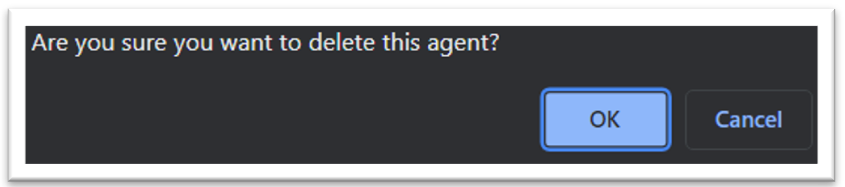
Step 3: To delete an agent account, just click on the associated Delete button.
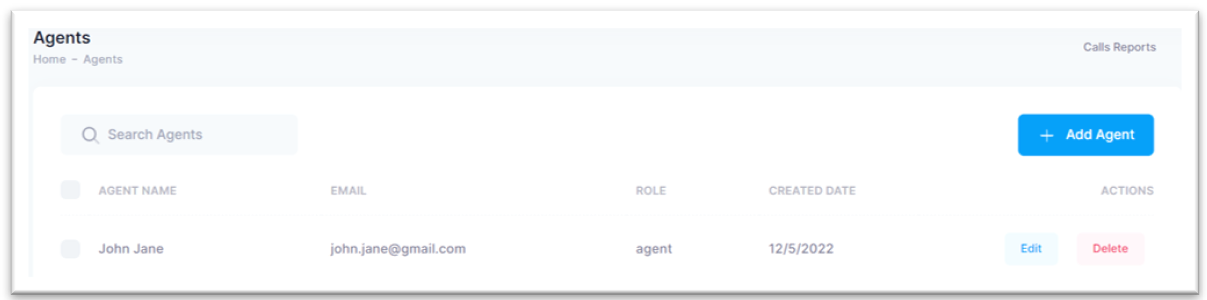
Step 4: Accept the confirmation prompted by clicking on the OK button and that is it! You can click on the Cancel button to discard deleting agent action.